Expense from transactions
- The Create Expense from Transactions feature allows you to quickly generate an expense entry directly from existing financial transactions, such as card payments or bank feeds. This helps reduce manual entry and ensures accuracy in recording expenses.
How to create expense from transaction
- Step: 1 - Select the card option.
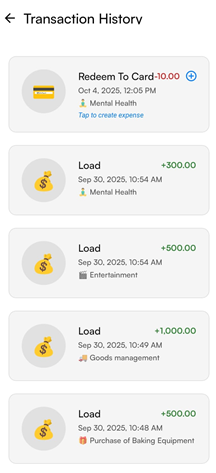
- Step: 2 - Select the Transaction history at the bottom of the "card" page.
- Then you will be redirected to the page as shown in the below image.
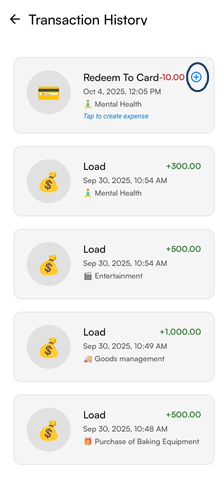
- Step: 3 - Select the "add" button next to the transaction history.
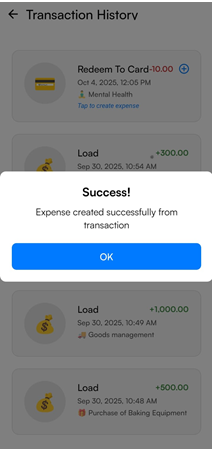
- Your expense created successfully from tansaction.
- You can view the created expense in the "Expense" menu.